Remote work gives teams flexibility, but without the right tools, it can quietly chip away at the culture, mentorship moments, and spontaneous conversations that make work feel human. The question isn't whether to return to the office; it's how to bring that energy online.
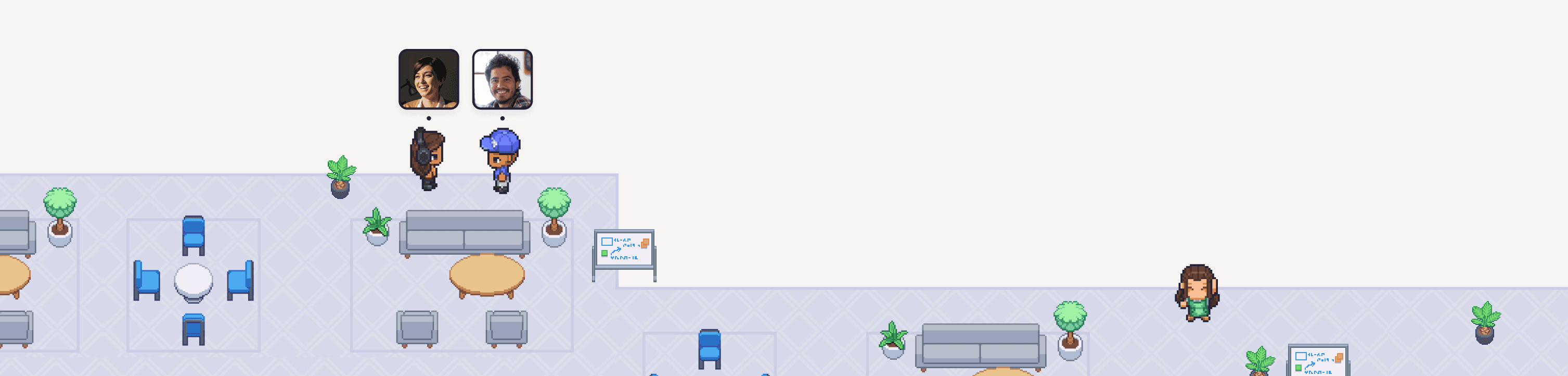
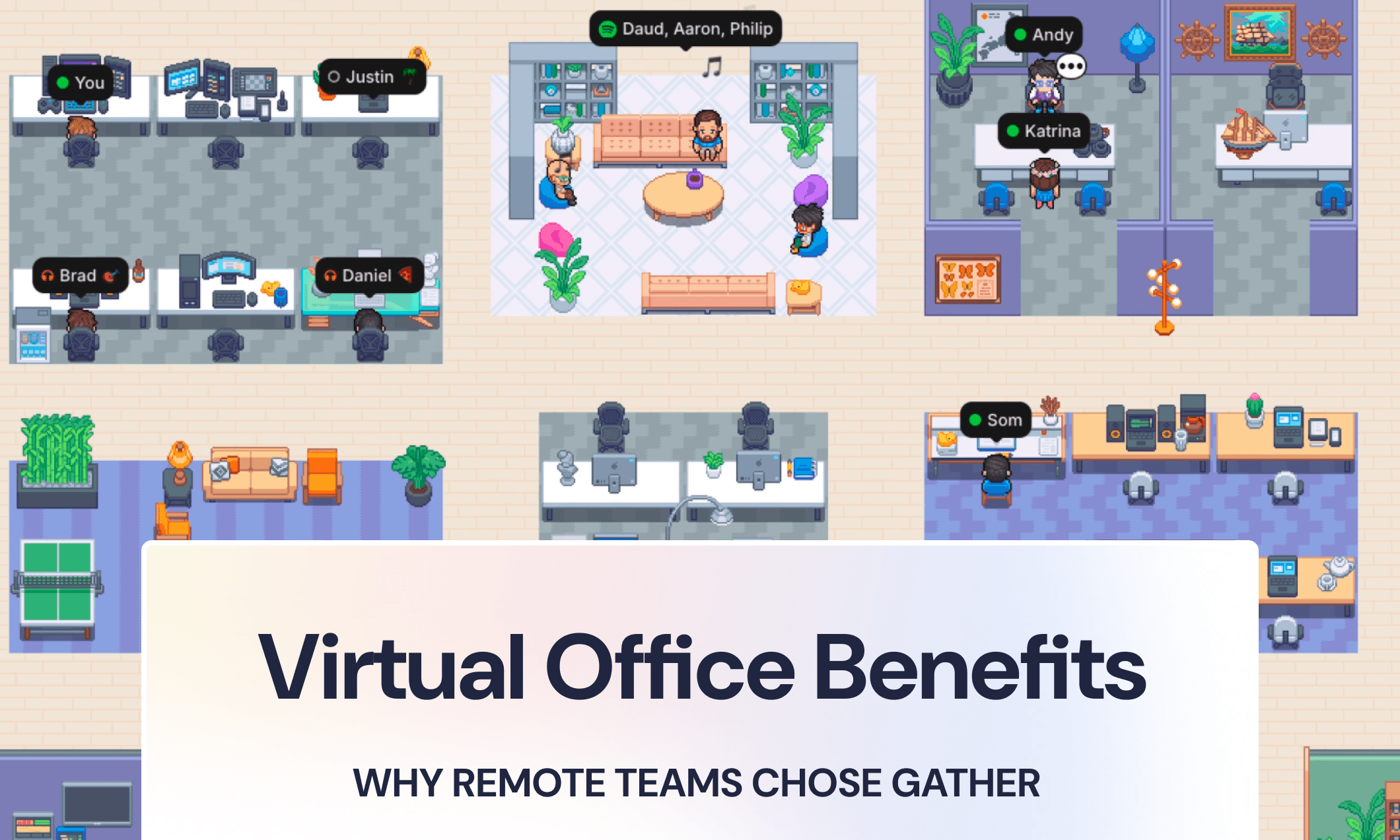
A virtual office on Gather gives distributed teams a shared space to collaborate like they're in person: walk up to someone's desk, wave colleagues into a conversation, or overhear a discussion worth joining — no calendar invite required.
Based on Gather's G2 reviews and customer stories, here are the five benefits distributed teams consistently point to after making the switch.
The top 5 benefits of a virtual office for remote teams:
Increased employee engagement and retention — teams using Gather have seen retention improve by up to 70%
Fewer meetings on the calendar — spontaneous desk drop-bys replace scheduled stand-ups
Faster communication loops — the average Gather conversation is under 10 minutes
Easier on-the-spot mentorship — no 'Hey, are you free?' messages required
A stronger sense of team connection — even across time zones
1. Increased employee engagement and retention rates
Remote team isolation is still a problem many distributed workforces face. When new teams pilot Gather, they often refer to internal engagement surveys or retention metrics to gauge if Gather is making an impact.
Customer Example:
Human-I-T is an organization that had a strong in-person culture that suffered during the pandemic and continued to decline as they expanded remote operations. After using Gather, employee retention improved by 70%.
Of course, a virtual workspace platform like Gather won’t fix your company’s attrition issues on its own. However, it gives your remote team a place to put strong company values into action. Instead of an isolating work environment, you have a shared place to engage the team.
“I've seen a drastic shift in attitude in terms of how happy the team is to actually show up on work, as well as the level of collaboration that the team is doing as part of their day to day tasks.”
Robert O., CTO via G2
Customer Example:
Weme, an innovation agency in Brazil, began surveying employees weekly to gauge their happiness with work. After rolling out Gather, weme saw a 10% improvement in employee engagement thanks to a less isolating work environment.
2. Fewer meetings on the calendar
Remote employees tend to fill their calendars with standups, coffee chats, and coworking blocks simply to maintain face-to-face time with colleagues. While it’s important to maintain relationships, forced conversations aren’t always the best way to do it.
With Gather, instead of relying on scheduled interactions, you can simply walk up to someone’s desk or Wave them over if you want to talk. The result? You can reduce meeting fatigue and have more natural conversations.
Customer Example:
Engineers at Beatport will look around their Gather office to find available designers to pair up to review prototypes. Because they can find five minutes during the day when people are free, they’ve been able to cancel meetings and keep calendars open.
The visuals of seeing when and where people are talking also make it easy to walk in and out of virtual meetings – again, without ever scheduling anything or jumping between meeting links.
A few examples:
A senior engineer can wave a junior developer over to shadow a bug fix at the moment of discovery
A new hire can overhear their teammates talking to absorb context about the business
A product manager can walk over to the support team’s desk pod to get qualitative feedback on a recent launch
3. Faster communication loops & shorter conversation times
The average conversation on Gather is less than 10 minutes long. For comparison, the average Zoom meeting in 2022 was 52 minutes. (Source)
The difference is due to how easy it is to walk up and quickly talk to someone in Gather versus relying on formally scheduled meetings or long chat messages. Our customers say this type of remote team communication helps them get unblocked and make decisions faster because it feels like collaborating in a physical office.
“To talk to someone, you don't need to write a message or make a call; you simply approach their space and can communicate with them by voice, which often speeds up communication and brings the experience closer to that of working in a real office.”
Laura S., Frontend Developer via G2
Engineers especially love this ease of communication because it makes remote pair programming faster and more fluid. The transparency of conversations plus the freedom to join or leave at any time helps increase the frequency and efficiency of pairing sessions. One user on G2 even reported that Gather reduced their code review times from 2+ days to under 1, allowing them to push to production faster.
Customer Example:
As Intuition Systems approached the beta release of their app, the backlog of launch-blocking items continued to grow. They knew they needed to stay in flow and keep work moving, so they set up a virtual war room in Gather. 30% of their conversations during launch month were less than 10 minutes long – a signal that team members were solving problems quickly rather than being stuck in slow-moving meetings.

Customer Example:
CTO Labs is an Australian consulting firm. Their CTO, Mike Mengell, loves that Gather has brought back “the moments between meetings.” As employees move around their office, they typically keep their video on to have passing conversations in the halls. These quick interactions help them build and maintain relationships without sitting through 8 hours of back-to-back Zoom calls.
4. Easier on-the-spot mentorship
When you have a question and need help from someone, you can simply look around your virtual office and find someone available at their desk. There’s no need to pull up calendars, and no need to waste time typing out the dreaded “Hey, are you free for 5 minutes?” message.
“In some of my prior remote jobs, the only way to tell who was around and "available" was clicking around a list of Slack statuses. Talk about isolating—not to mention uninviting for a newcomer with questions.”
Katherine L., Technical Writer via G2
Whether you’re a senior engineer mentoring a junior developer, a hiring manager onboarding a new employee, or an individual contributor building skip-level relationships, Gather breaks down barriers so everyone in the organization becomes more approachable.
Customer Example:
TradeLink is a remote-first company that’s been able to scale team culture thanks to Gather. Their Head of People & Culture, Mareike Knappe, described how Gather helps onboard new employees: “They quickly learn who is working in which team and can build these connections within a matter of a few days! Easy and efficient onboarding processes. It’s uncomplicated.”
5. Greater sense of connection to the team and fewer feelings of isolation
Almost 25% of remote workers struggle with loneliness, according to Buffer’s State of Remote Work.
Collaborating in a virtual office helps combat feelings of isolation because you can see people talking to each other and working around you. Even though it’s a digital representation, you can feel that you’re not alone. This sense of presence helps people feel more connected to their teammates and can help improve remote team culture.
The real benefit is that you can help your team stay connected without planning a million virtual team-building activities. You can definitely still host those in a virtual office (and sometimes they're even more fun with the visuals!) but the team-building doesn't stop when the scheduled event ends.
Here’s a sample of what Gather users have to say about feeling connected to their teams:
“In the past week of using [Gather], this is the first time in four years I’ve actually felt like I was part of an organization and not just a guy who lives in Atlanta and works for Beatport.”
A member of the Beatport Engineering Team
“The best thing about Gather is that you feel like you're in the office. You see your coworkers gathered together, and you can already get an idea of what they might be talking about.”
Pablo G., Fullstack Developer via G2
“Remote work is often very impersonal, making it harder to establish camaraderie or a sense of connection with team members. With Gather and its visual environment, this distance seems to shrink a little.”
Laura S., Frontend Developer via G2
Virtual Office FAQs
What is a virtual office and how does it work?
A virtual office is an online workspace where remote teams collaborate in real time. Platforms like Gather use spatial audio and video to recreate the feel of a physical office: you walk your avatar to a colleague's desk, and a conversation starts automatically — no link sharing or scheduling required.
What are the main benefits of a virtual office for remote teams?
The biggest benefits are reduced meeting load, faster communication, and stronger team connection. Teams on Gather report fewer scheduled meetings, conversations that wrap up in under 10 minutes, and measurable improvements in employee engagement and retention.
Is a virtual office better than Zoom or Slack for remote teams?
Is a virtual office better than Zoom or Slack for remote teams? Zoom and Slack are excellent for scheduled meetings and asynchronous messaging. A virtual office like Gather introduces a spontaneous element that Zoom and Slack are not designed to replace. This includes hallway conversations, desk drop-bys, and the ability to see and hear people near you in the virtual workspace.
How long does it take to set up a virtual office on Gather?
Most teams are up and running in under 5 minutes. Choose a space, customize your layout, and send your team a link. No downloads required for guests.
Conclusion
According to Lenny Rachitsky, host of Lenny’s Podcast and Lenny’s Newsletter, Gather's virtual office software is one of the most interesting up-and-coming tools for work communication in 2025. This is based on his annual “What’s in Your Stack?” report, which surveys 6,500 tech professionals and asks about the tools they use most in their work.
Remote teams who switch to a virtual office don't just feel more connected; they work differently. Fewer meetings, faster decisions, mentorship that happens in the moment rather than on a calendar. The culture shift is real, and it shows up in the data.
And if you want your distributed team to feel like they're actually working together, Gather gives you the space to make that happen. Try it free! No credit card, no setup fees, just your team in the same (virtual) room.